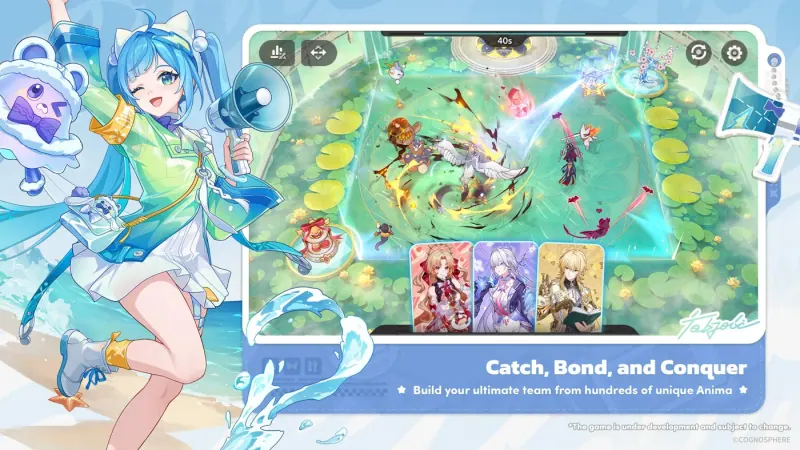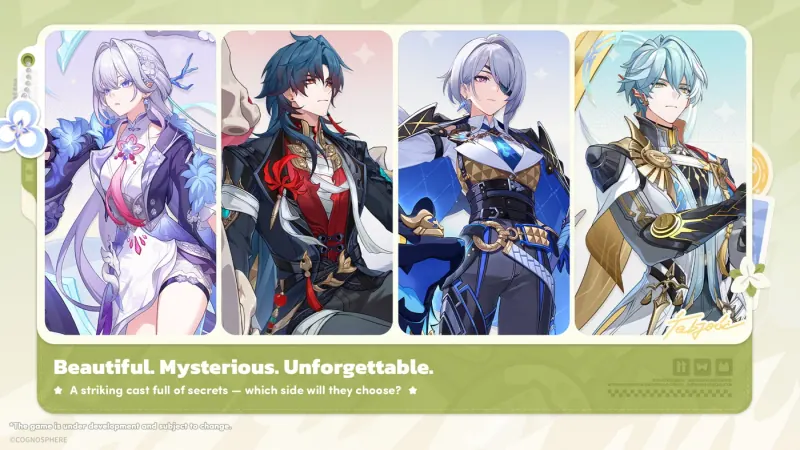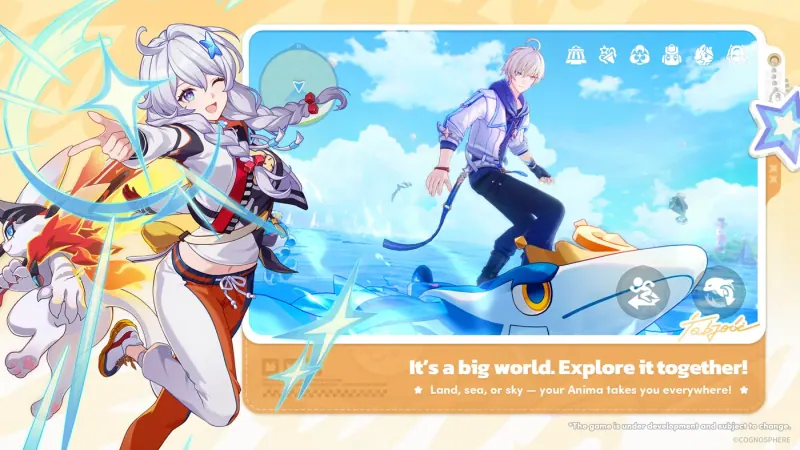
What is the current Honkai: Nexus Anima beta?
The official international website lists recruitment for the Final Closed Beta, as checked on November 17, 2026. Its FAQ describes a limited, free closed beta with no monetization. Account data will be wiped after the test. The test content is still in development and does not represent the final product.
That description addresses a common source of confusion: a test invitation provides temporary access to a development build, rather than an early opportunity to make permanent progress for launch. Do not plan a launch account around keeping test resources, completed quests, or a collection built during this beta.
How to apply and check access
- Open the official website for your intended region.
- Sign in with your own HoYoverse account and follow the pre-registration flow if requested.
- Complete the recruitment questionnaire offered by the official interface.
- Check the official account interface and official messages to see whether you have been granted access.
Pre-registration, submitting the questionnaire, and being selected are different stages. A completed form does not guarantee entry. This guide cannot check your account or grant an invitation, and you should never enter your account password into a fan site to claim access.
Platforms and cross-platform progress
The FAQ names PC, iOS, and Android when explaining platform access. It also says progress for the same HoYoverse account is shared across test platforms: after logging off on PC, for example, a participant can continue on an approved mobile platform using the same account.
However, shared progress does not remove device restrictions. According to the FAQ, test access is linked to the first device used to log in on each platform. Each account can be linked to one device on each platform for which access has been granted. The FAQ says the team cannot change or add test platforms for an account during this test. Choose your device carefully and read the current notice before your first login.
Does access from an earlier test carry over?
No. The official FAQ says the Final Closed Beta is separate from the confidential Aspect Exploration Project and In-Depth Research Program tests. Access to each test is independent, and test data does not carry forward. Previous participation therefore should not be presented as an automatic invitation to this test.
The FAQ also instructs earlier participants to uninstall their previous package before installing the Final Closed Beta package. Use the instructions shown for your approved platform rather than reusing an old client from an unrelated phase.
Where to download, and what to avoid
Use the download link and installation guide provided through your official account. Do not purchase a test installation package or shared account. A file alone does not create valid access, and the device binding rules make borrowed access a poor basis for planning participation.
If the launcher reports a storage or verification error, start by checking available disk space, restarting the launcher, and following the official platform installation instructions. Direct account-specific questions to official support. This guide does not recommend changing system security settings as a blanket fix for a download issue.
Can participants share screenshots or streams?
The checked Final Closed Beta FAQ says there are no strict restrictions on sharing and distributing content from this test, while participants should follow the rules of the platform on which they publish. That statement belongs to this specific test. It should not be applied retroactively to confidential phases or automatically carried over to an unannounced future test.
For the public release window, see the release date page. For the difference between interest registration and an application, see pre-registration. You can also explore the Anidex while you wait; its entries describe publicly released material and clearly separate official introductions from editorial notes.
Sources & references
- Honkai: Nexus Anima official websiteReviewed: Nov 17, 2026
- Official Final Closed Beta FAQReviewed: Nov 17, 2026
Official introductions are quoted and credited to HoYoverse. Field notes are written for this guide.